
Right- or left-handed layout
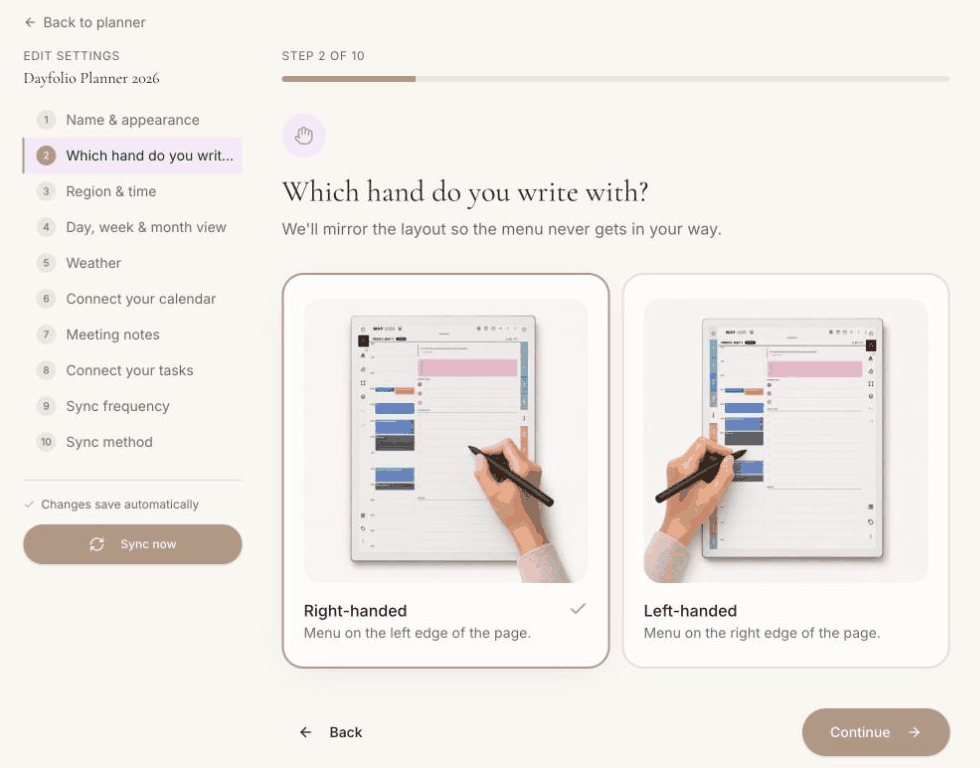
Step 2 — Which hand do you write with? matches the planner to the way you hold the pen: the year and month tabs go on one edge of the page, and the space the reMarkable toolbar needs stays free on the other.
What changes
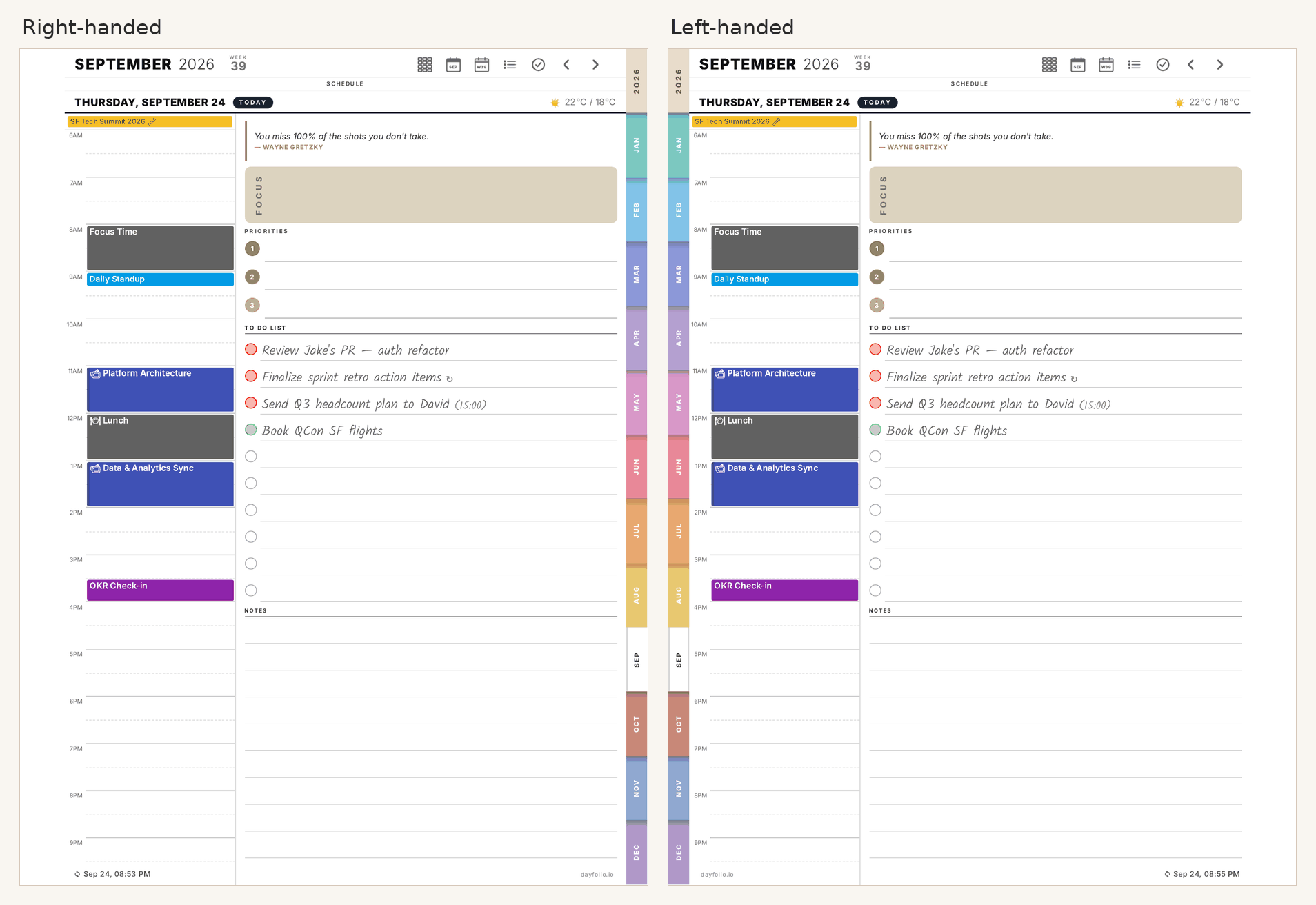
Right-handed — the year and month tabs sit on the right edge of the page. On full-size layouts, a margin on the left keeps the reMarkable toolbar clear of the page content.
Left-handed — everything is mirrored: the tabs sit on the left edge, and the toolbar margin is on the right.
The header icons (Year, Month, Week, Today, Meetings, Tasks) stay at the top in both layouts, and the content of every page is the same; only the tabs and the toolbar margin move. On the Paper Pro Move layout, the toolbar margin is at the top of the page in both cases, so only the tabs change sides.
Changing it later
Open your planner at app.dayfolio.io → Edit settings → Step 2, pick the other option and press Sync now. Your handwriting stays where it is; only the printed layout is regenerated. See Changing your planner settings after setup.