
Logging in with a magic link
Dayfolio uses passwordless sign-in. There is no password to create or remember.
How to sign in
Go to app.dayfolio.io.
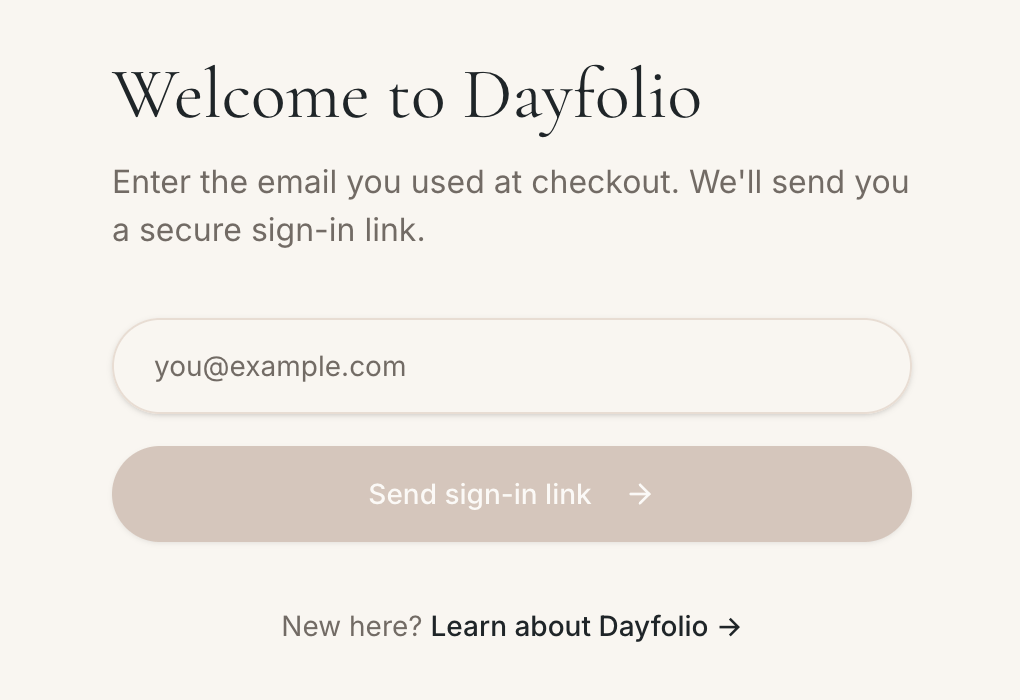
Enter the same email address you used at checkout and press Send sign-in link.
Open the email we send you. It contains two ways in: a magic link (click it and confirm to continue) and a one-time code (type it on the sign-in page if the link doesn't work for you).
Links and codes expire shortly after being sent and can only be used once. If yours has expired, simply request a new one.
Using a work or corporate email?
Some corporate email security tools open every link in incoming emails to scan it. That can "use up" a magic link before you click it. If you see link expired right after opening a fresh email, use the one-time code instead — it isn't affected by link scanners.
Sign in from any device
The sign-in page works in any modern browser on Mac, Windows, iPhone and Android. You can sign in on your phone to trigger a sync even when you're away from your computer.
Problems signing in?
See Troubleshooting sign-in: no email, "No purchase found", expired link.