
Task email notifications
Step 8 has two email options under Notifications. Both are per planner and can be changed at any time from Task settings.
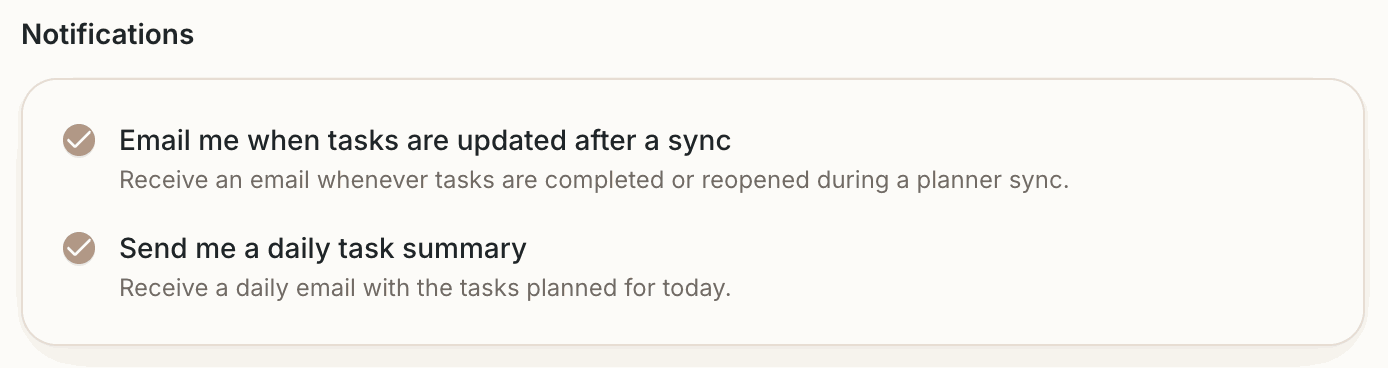
Email me when tasks are updated after a sync
After any sync in which Dayfolio read a pen check — or a removed one — you receive an email listing the tasks that were completed and the ones that were reopened, with their source app. Syncs that changed nothing don't send anything.
Use it to confirm that your checks are being read, especially in the first days: draw a check, sync, and the email arrives with the task's name. If a check isn't listed, see Completing a task with your pen.
Send me a daily task summary
One email a day with the tasks planned for today across all your connected apps — the same list that's on today's Day View. Handy for a look at the day from your phone before you pick up the tablet.
Where the emails go
To the email address of your Dayfolio account. The emails come from hello@dayfolio.io; if one doesn't arrive, check your spam folder and add that address to your contacts.