
Weather on your planner
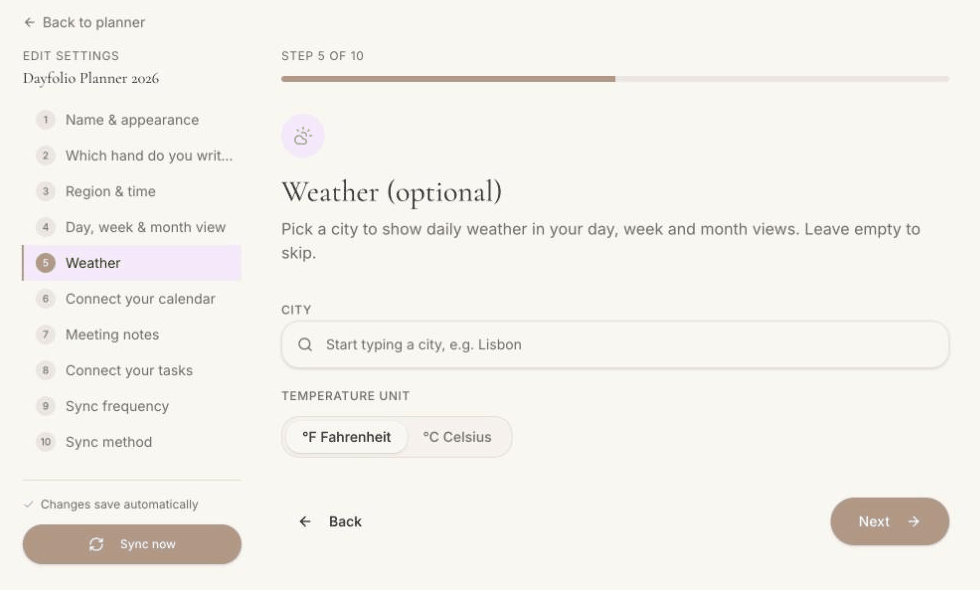
Step 5 — Weather (optional) adds a forecast to your pages. Leave the city empty and no weather is shown anywhere.
Where it shows
Day View — an icon with the day's high and low next to the date.
Week View — one icon per day in the day headers.
Month View — a small icon in each day cell.

How it's kept current
The forecast is refreshed at every sync, so it's as fresh as your last regeneration (the footer shows when that was).
Options
City — type a name and pick it from the list. One city per planner.
Units — °C or °F.
With High legibility on, the icons are drawn as outlines for better contrast on e-ink.
Turning it off
Clear the city in Step 5 and press Sync now. The space next to the date is simply left empty.
Was this helpful?