
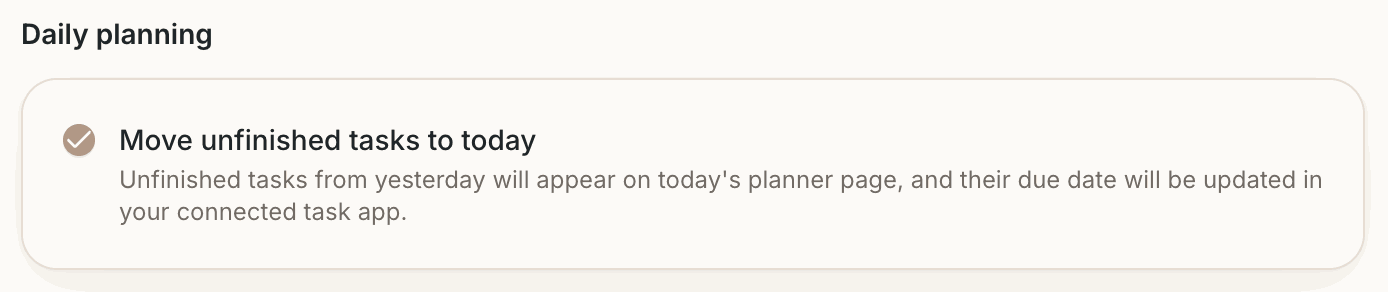
Move unfinished tasks to today
Some tasks don't get done on the day they were planned. With Move unfinished tasks to today on, Dayfolio carries them forward for you.
What it does
At each sync, tasks from your connected apps that were due yesterday and are still open are:
placed on today's Day View, sorted by priority into the free lines below tasks already there;
given today as their due date in Todoist, Google Tasks, Microsoft To Do or Microsoft Planner, so the app and the planner agree.
Completed tasks aren't touched: they stay on the day you completed them, in green.
Turn it on
Open your planner at app.dayfolio.io → Task settings, under Daily planning check Move unfinished tasks to today, then press Sync now. Turn it off the same way; tasks already moved keep their new date.
What it applies to
Only tasks that come from a connected app. Handwritten tasks are ink on the page and aren't linked to a task app, so they stay where you wrote them. To carry those over, use the reMarkable's selection tool: see Carry handwritten tasks to the next day.