
Year View
The Year View is the first page after the cover and the one the grid icon in the header opens. It's the fastest way to jump anywhere in the year.
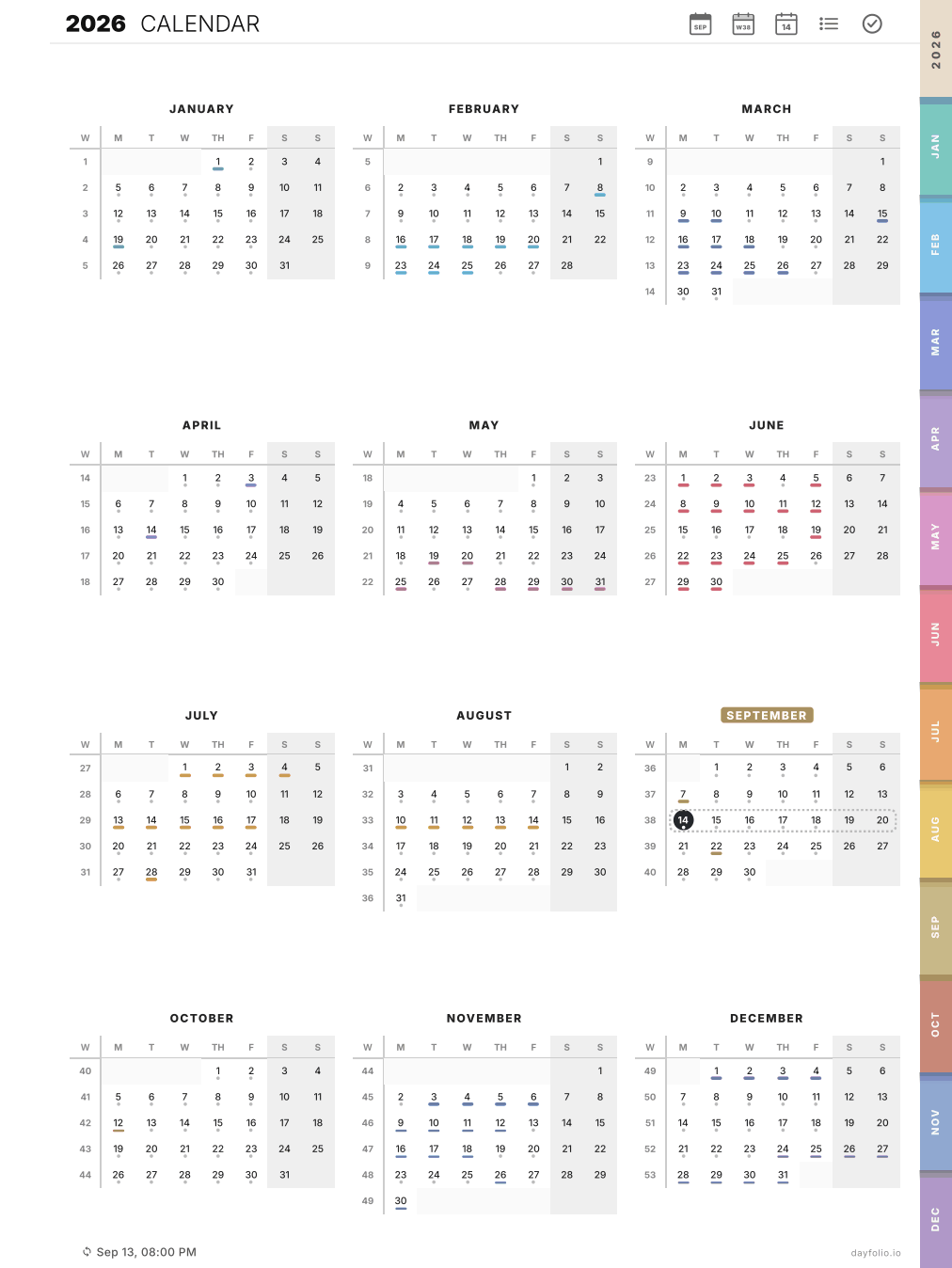
What's on it
Twelve mini calendars with week numbers in the first column and weekends shaded.
A small colored marker under every day that has events (the color comes from the calendar), so busy periods are visible at a glance.
Today is highlighted, the current week is highlighted, and the current month has a badge on its name.
What you can tap
Any day number → that Day View.
Any week number → that Week View.
Any month name → that Month View.
The month tabs on the edge of the page work here too.
What it doesn't do
The Year View doesn't list event titles or tasks — it's a map, not a list. For task progress use the Month View; for everything on a date, the Day View.