
Daily sync, Sync now and Smart Sync+
Step 9 — Sync frequency decides how often Dayfolio regenerates your planner on its own. Open it from your planner page at app.dayfolio.io → Sync options.
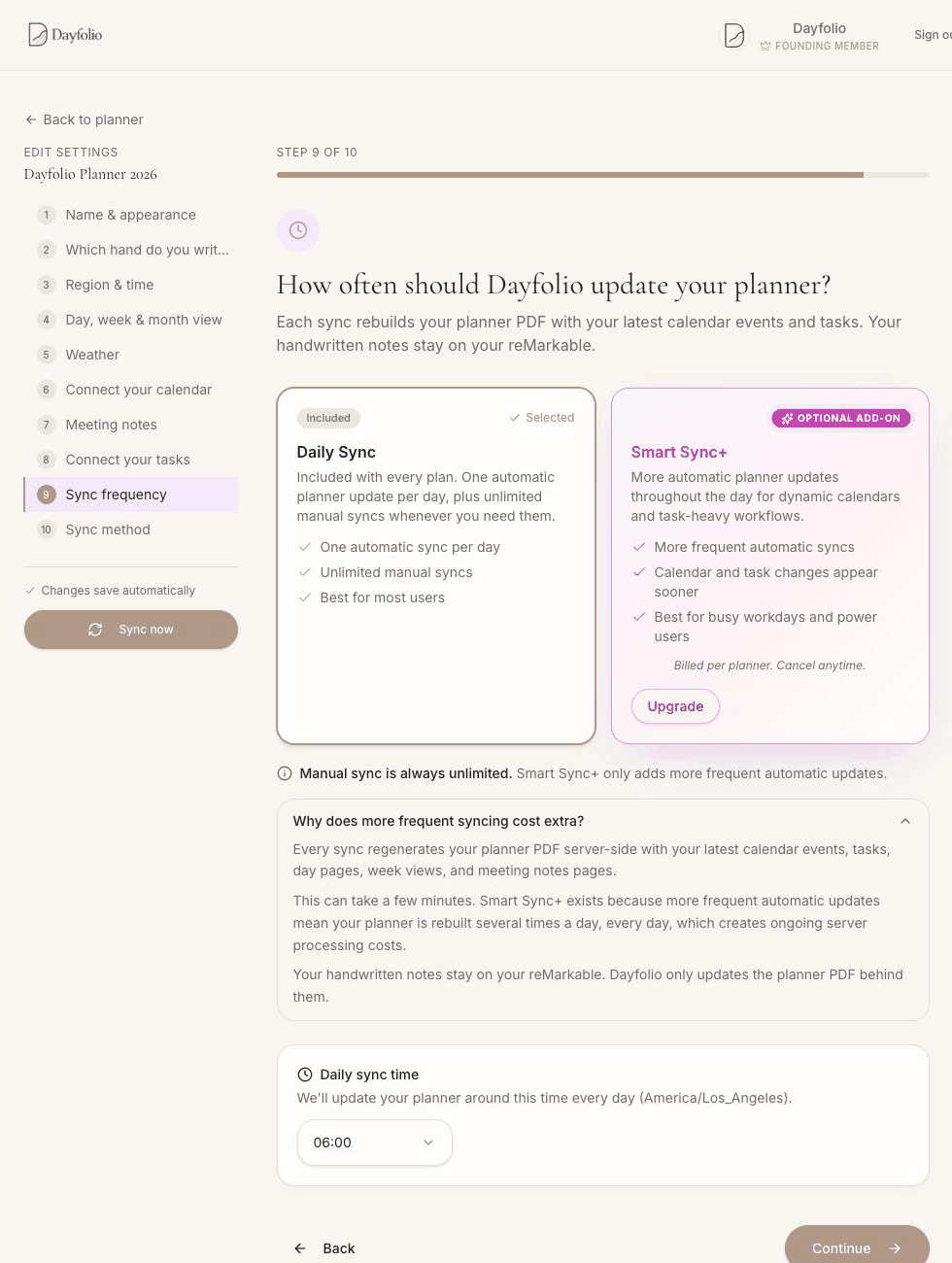
Daily Sync — included with every plan
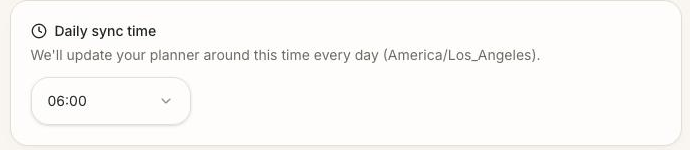
One automatic regeneration per day, at the hour you choose under Daily sync time, in your planner's time zone (Step 3). Pick a time before you start your day — early morning is typical — so the tablet has the day's events and tasks when you pick it up. The time is an hour, not a minute: the sync runs around that hour.
Sync now — unlimited
Press Sync now whenever you've changed something — a setting, a calendar connection, a task you just checked off — and don't want to wait for the daily run. It's at the top right of your planner page and in the sidebar of every setup step, and there's no limit. A sync takes a few minutes; the page can be closed while it runs. When it's done, a message recaps what to do on the tablet: go back to My files if the planner is open, stay on Wi-Fi and wait for the sync icon (or use Settings → Cloud → Check sync). See Your first sync and finding the planner on your reMarkable.
Smart Sync+ — throughout the day
An optional add-on, billed per planner, that adds more automatic syncs across the day. It makes a difference when:
your calendar changes during the day and you want the afternoon's page to reflect the morning's reschedules;
you check tasks off with the pen and want them completed in Todoist, Google Tasks, Microsoft To Do or Microsoft Planner soon after, rather than at the next daily sync — see Completing a task with your pen;
new tasks and meetings should appear on the tablet the same day.
Even with Smart Sync+, syncs run at intervals, not continuously, and the tablet still has to download each new version — close the planner and reopen it to see the latest one. Turn it on from Step 9 with Upgrade; you can cancel at any time from the same place. It applies to the planner you enable it on.
Why more frequent syncing is an add-on
Every sync rebuilds the whole planner PDF on Dayfolio's servers — every day page, week, month and Meeting Notes page — and uploads it. Doing that several times a day, every day, is what Smart Sync+ pays for. Manual syncs stay unlimited on every plan.